> ## Documentation Index
> Fetch the complete documentation index at: https://magicblock-42-dhruvja-docs-navigation-restructure.mintlify.site/llms.txt
> Use this file to discover all available pages before exploring further.
# サンプルシーン
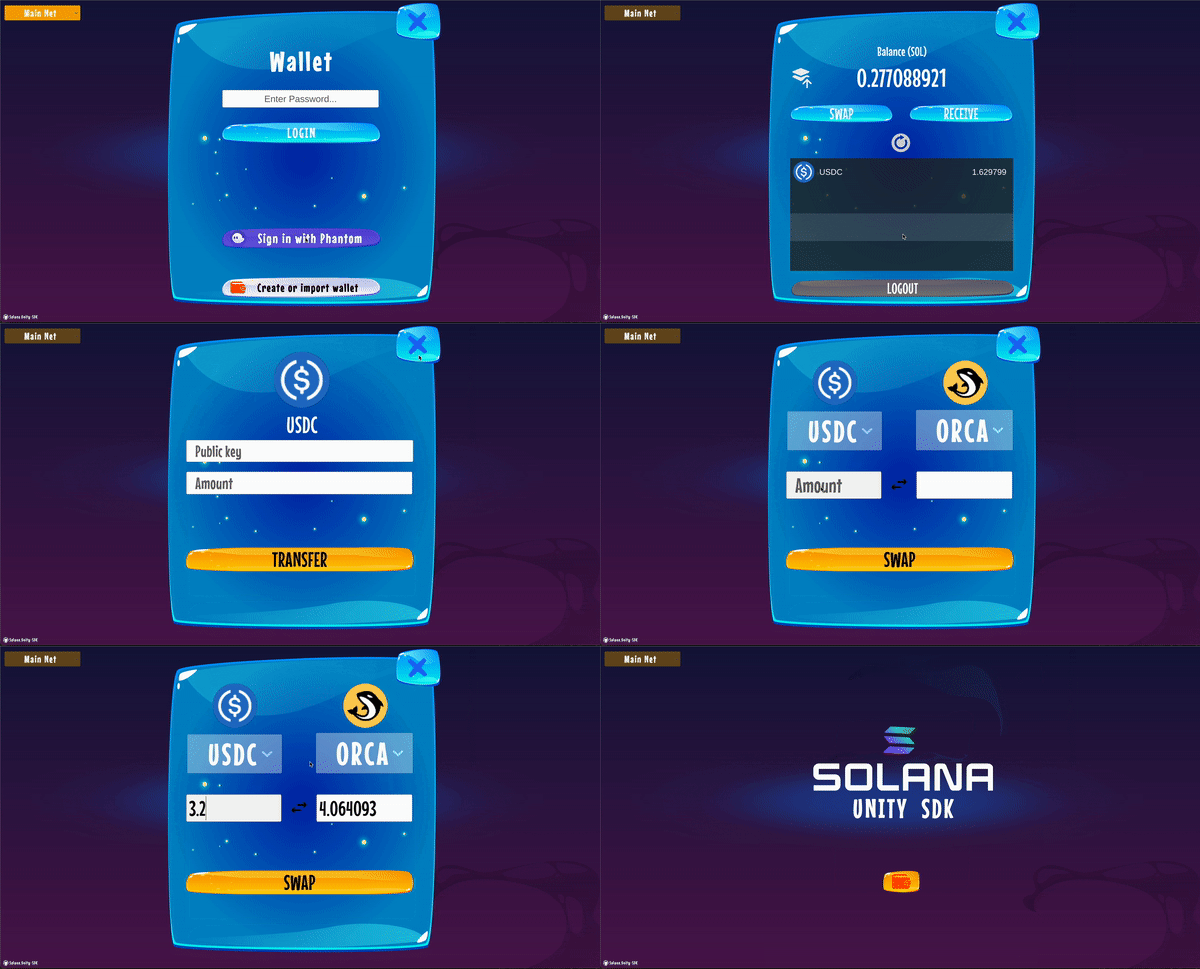
> サンプルシーンを試してみる
 ## 機能
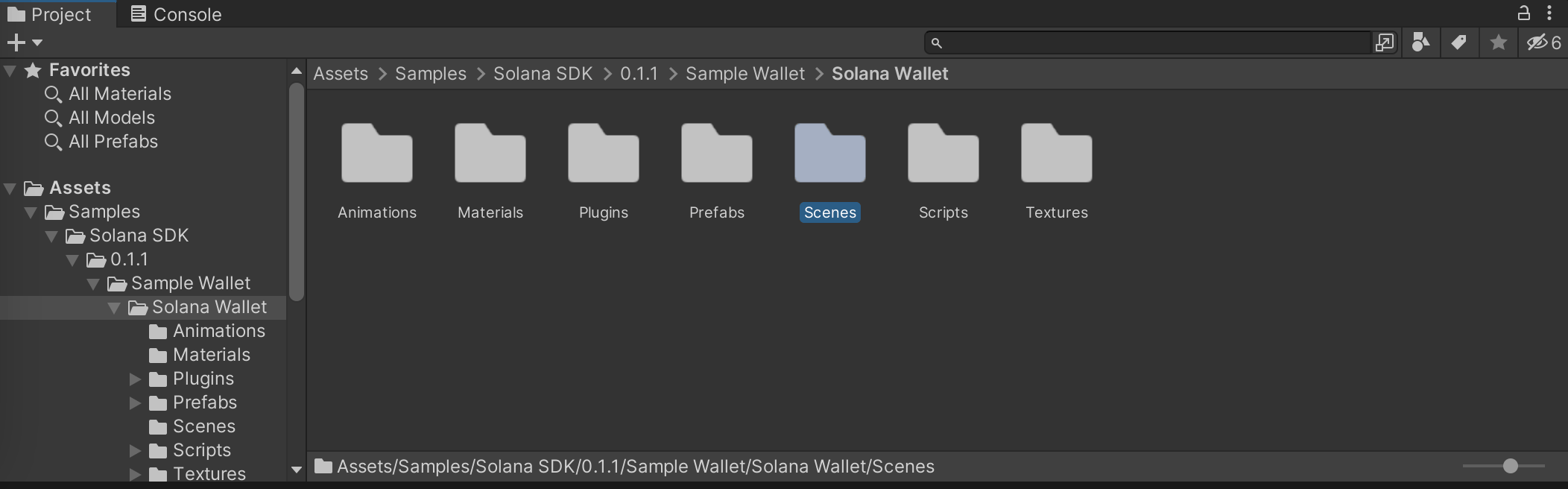
* Prefabs はオブジェクト設定を保存するテンプレートです。同じアセットのインスタンスを作成でき、再利用も簡単です
* Scenes フォルダには、ここで公開されている完全なデモが含まれています
* Scrips フォルダには、さまざまなスクリプト例が含まれています(例: Orca スワップ用の `Assets/Samples/Solana SDK/0.1.1/Sample Wallet/Solana Wallet/Scripts/example/screens/SwapScreen.cs`)
* Animations、Materials、Plugins、Textures は名前の通りの内容です
このデモシーンを実際に触って、ウォレット、NFT の読み込み、送金、スワップなどの基本機能に慣れてみましょう。
## 機能
* Prefabs はオブジェクト設定を保存するテンプレートです。同じアセットのインスタンスを作成でき、再利用も簡単です
* Scenes フォルダには、ここで公開されている完全なデモが含まれています
* Scrips フォルダには、さまざまなスクリプト例が含まれています(例: Orca スワップ用の `Assets/Samples/Solana SDK/0.1.1/Sample Wallet/Solana Wallet/Scripts/example/screens/SwapScreen.cs`)
* Animations、Materials、Plugins、Textures は名前の通りの内容です
このデモシーンを実際に触って、ウォレット、NFT の読み込み、送金、スワップなどの基本機能に慣れてみましょう。